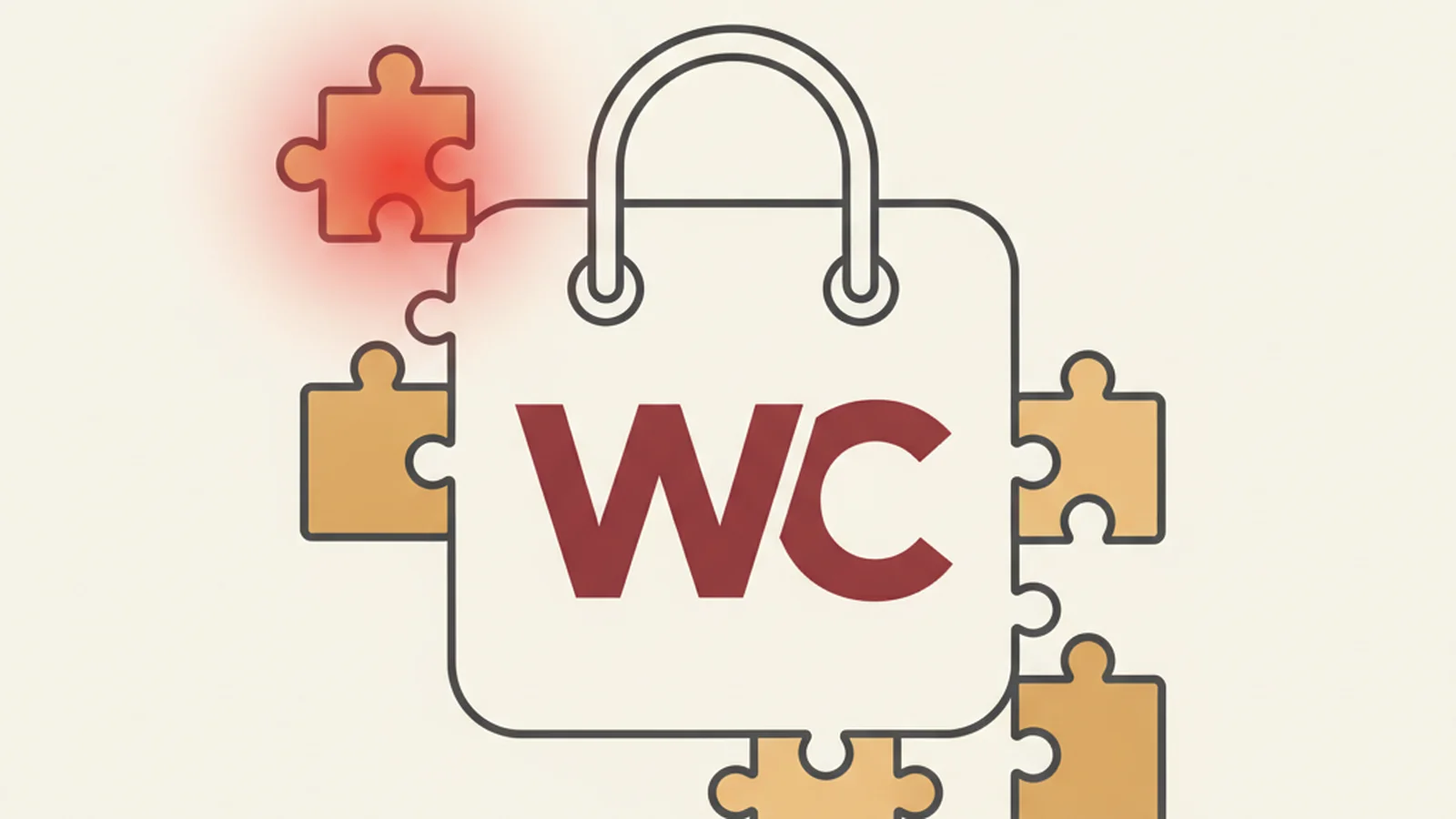
WooCommerce did the responsible thing. In 2024, the company commissioned Equalize Digital, an independent accessibility testing firm, to audit every front-end component of WooCommerce core: blocks, shortcodes, templates, all of it. That's the kind of move that should reduce a merchant's legal exposure.
Then a typical merchant installs a page builder to make the homepage look right. A review widget to show star ratings. A popup tool to catch emails before someone bounces. A live chat plugin so nobody has to wait for a support ticket. Four plugins, stacked on top of that carefully audited core, and none of them ever went through anything close to Equalize Digital's process.
Here's the problem nobody explains clearly enough: a lawsuit doesn't care which layer the bug was in. A screen reader user who can't close your popup, or can't tab past your chat widget to reach checkout, doesn't file a complaint against "WooCommerce core." They file it against your store. The audited layer isn't the layer that gets you sued.
The Stat: WooCommerce's own accessibility page states that the front-end of the core WooCommerce plugin is "substantially conformant with WCAG 2.2 level AA and level AAA." (Source: WooCommerce)
Why the audit doesn't cover what you think it covers
When WooCommerce's own accessibility page describes core as substantially conformant, that's a real, meaningful claim, and it's backed by real work. Equalize Digital didn't just skim a checklist, they were commissioned specifically to test blocks, shortcodes, and templates across the plugin's front end. That's the checkout flow, the cart, the product blocks you drop into a page.
But "core" has a precise meaning, and it stops exactly where your plugin folder begins. The audit says nothing about the visual page builder your designer used to lay out the homepage. It says nothing about the review widget pulling in star ratings with a carousel that traps keyboard focus. It says nothing about the popup that fires after eight seconds and can't be dismissed without a mouse. It says nothing about the live chat bubble sitting on top of your footer links, invisible to a screen reader, blocking a sighted keyboard user from tabbing to "Contact Us."
This is not a WooCommerce problem. It's a structural feature of how WordPress plugins work: each one is built by a different team, on a different timeline, with different priorities, and mostly with no accessibility review at all.
The theme world already solved half of this, and stopped there
WordPress.org actually has a mechanism for exactly this kind of quality gate. Per WordPress.org's accessibility-ready theme requirements, a theme can only carry the "accessibility-ready" tag after the WordPress Theme Review Team manually audits it against a defined checklist. That's a real human review process, applied consistently, before the tag gets attached.
Here's the catch: that requirement applies to themes. It has no equivalent for plugins. Nothing stops a page builder, a review widget, a popup tool, or a live chat script from being installed on hundreds of thousands of stores with zero accessibility review, ever. The plugin repository doesn't check for it, and most merchants don't know to ask.
What a typical plugin stack actually looks like, layer by layer
Picture a mid-size WooCommerce store. It usually has something like this running at once:
| Layer | Typically covered by an audit? | Common real-world failure |
|---|---|---|
| WordPress core | Reviewed by core contributors | Rare at this layer |
| WooCommerce core (cart, checkout, blocks) | Yes - Equalize Digital, 2024 | Rare, actively maintained |
| Theme (if "accessibility-ready" tagged) | Yes - Theme Review Team checklist | Occasional regressions from customization |
| Page builder plugin | No | Custom sections with no heading structure, drag-built buttons that aren't real buttons |
| Review/ratings widget | No | Carousel with no keyboard controls, star icons with no text alternative |
| Popup/exit-intent plugin | No | Modal that traps focus wrong, or can't be closed with Escape or keyboard at all |
| Live chat widget | No | Floating icon with no label, overlapping content, breaks tab order |
That table is the real risk map. Notice that the two audited rows sit at the bottom, and the four unaudited rows, the ones a merchant adds every single week to chase conversion, sit on top and are exactly where a real user hits a wall.
None of this requires naming a specific product as the villain. It's a pattern, not a scandal, and it shows up across nearly every store that's been live for more than a year and has ever installed a plugin to "just get this one feature done quickly."
A practical checklist before you add (or keep) a plugin
- Does the plugin's product page or changelog mention accessibility testing at all?
- Can you complete the plugin's core interaction (closing a popup, opening a chat widget, navigating a carousel) using only the keyboard?
- Does a screen reader announce the plugin's interactive elements with a meaningful label, not just "button" or "clickable"?
- Does the plugin's modal or overlay trap focus correctly, and can it be dismissed with Escape?
- Have you tested the plugin combination together, not just each plugin in isolation, since two "fine" plugins can still conflict on tab order or z-index?
- Is there a documented process for re-testing after each plugin update?
Lawsuit trend data backs up why this matters beyond good practice. UsableNet's ADA web accessibility lawsuit tracking has followed years of steady filings against ecommerce sites, and the complaints rarely specify "the checkout block failed" versus "the popup failed." They specify that the user couldn't complete the purchase. The layer is irrelevant to the outcome.
We've seen this play out concretely before. In our case study on taking a WooCommerce store from 41 errors to zero, the bulk of the fixable, user-blocking errors weren't buried in WooCommerce's checkout template at all, they were sitting in the exact kind of bolted-on plugins described above.
The real fix isn't picking better plugins, it's testing the whole stack
There's no plugin marketplace filter for "accessibility-ready," and there probably won't be one soon. Which means the responsibility for testing the combination, core plus theme plus every plugin working together on your actual live pages, falls on the merchant, not on any single vendor.
That's a testable, fixable problem, though, not a reason to rip out your page builder. If you want to know exactly where your own stack stands, you can get a free audit of your storefront and its plugins and see the specific elements causing trouble, not a generic score. Or start with a free scan of your actual live storefront, plugins included, and find out whether the risk sitting on top of your well-audited WooCommerce core is bigger than you'd guess.