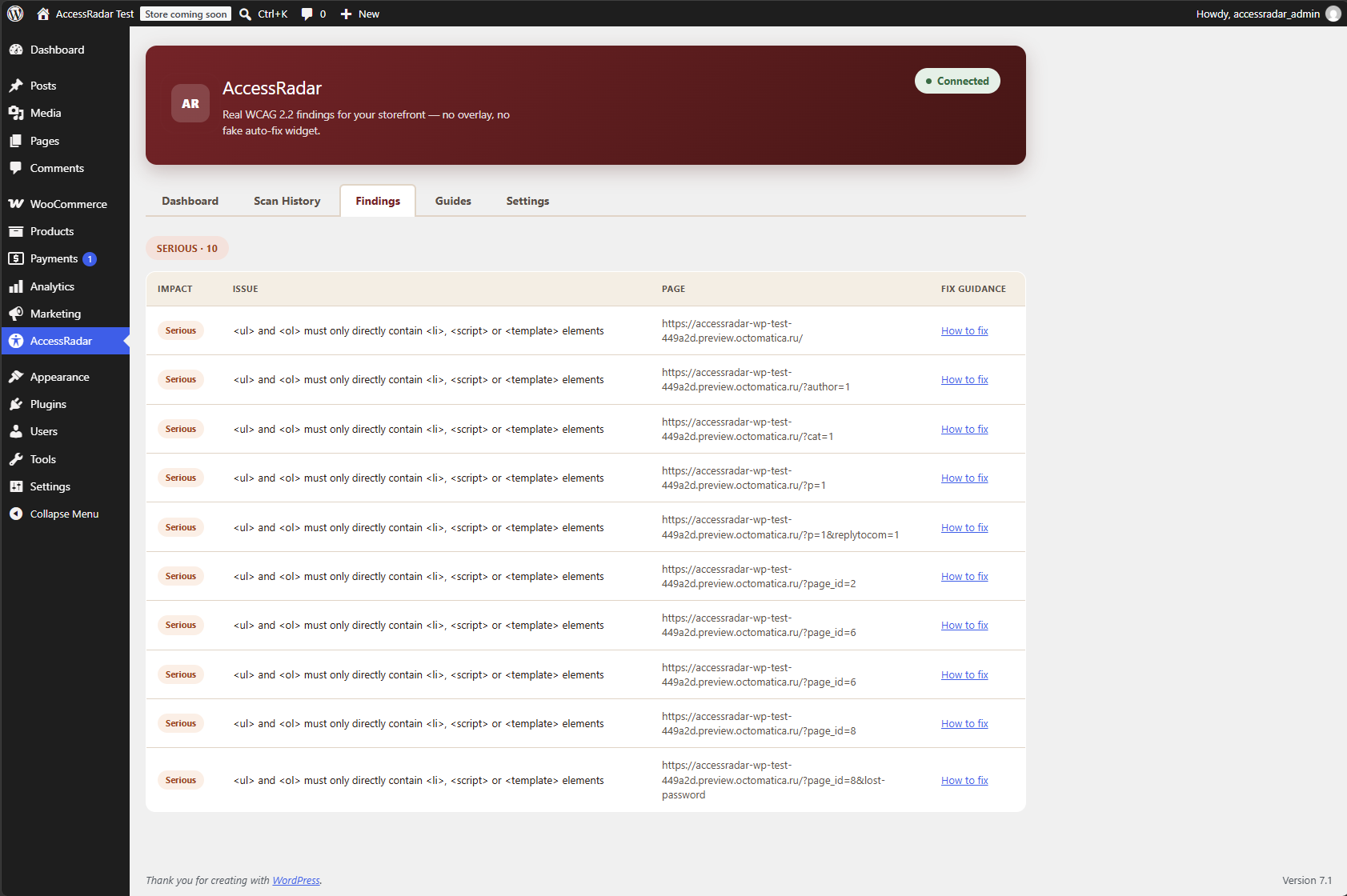
Add AccessRadar to your WordPress site
Scan your site for real WCAG 2.2 issues right from your WordPress dashboard. No overlay, no fake auto-fix widget - just honest findings on your real markup.
Three steps, five minutes to your first scan.
- 1. Download the plugin. Click "Download plugin (.zip)" above to get the latest AccessRadar release.
- 2. Upload and activate. In WordPress admin, go to Plugins → Add New → Upload Plugin, choose the zip you downloaded, install, then activate.
- 3. Connect and scan. Open AccessRadar's settings tab, create a free AccessRadar account and paste your API key, then run your first scan.
Automatic updates
The plugin keeps itself current
Once installed, AccessRadar checks wcag.world for new releases and offers them right on your Plugins screen - the zip above is the last file you'll ever need to install manually.
Download plugin (.zip)