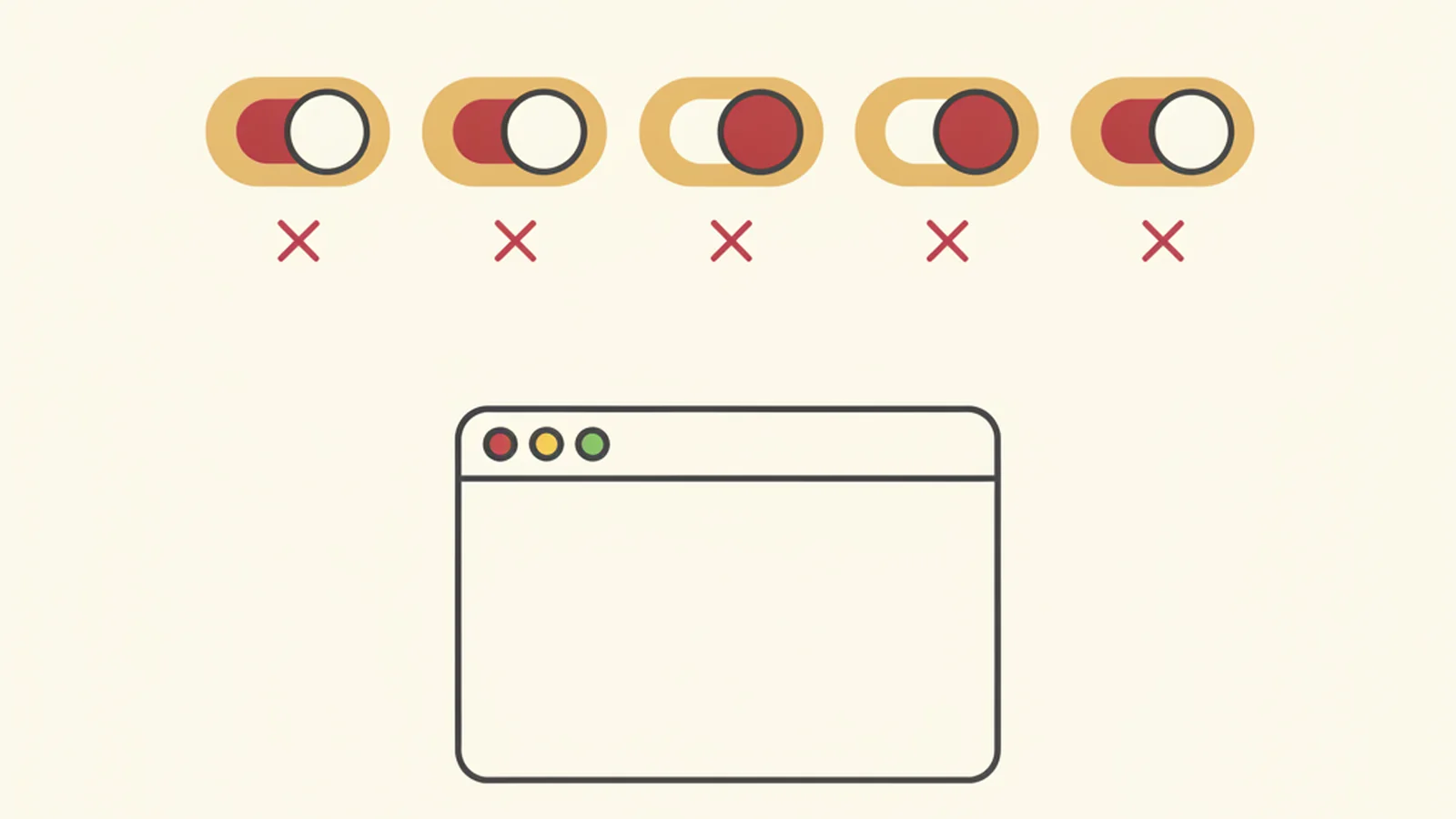
We are not naming names, on purpose, because the point is not any single vendor. We installed five different AI-branded overlay tools on the same real test page, one at a time, and ran the exact same keyboard and screen reader pass against each one. Same test, same page, five different marketing pitches, five identical results.
Every single one advertised something close to "instant AI-powered accessibility compliance." Every single one added a little floating widget to the corner of the screen. And every single one left the page exactly as broken as it was before we turned the widget on, once you stopped looking at the widget and started looking at the actual page underneath it.
That last part matters more than it sounds like it should. Because that is exactly what a screen reader does. It does not see the widget's marketing. It reads the code.
What we actually tested
We built one internal test page containing a handful of the most common real-world failures we see across client sites: an unlabeled form input, a button that only works with a mouse click, a block of body text sitting at a contrast ratio below the WCAG minimum, and a custom dropdown built out of styled div elements instead of native, semantic controls.
Then we ran it through five rounds:
- Load the page with the overlay tool active, using only a keyboard (no mouse).
- Load the same page with the same overlay active, using a screen reader.
- Turn the overlay off entirely and inspect the raw HTML that actually ships to the browser.
The Stat: WCAG SC 4.1.2 Name, Role, Value and SC 1.4.3 Contrast (Minimum) are both criteria that require changes to a page's actual HTML/CSS - an overlay running as an injected script sits on top of the page and cannot rewrite the underlying markup a screen reader or browser zoom feature actually reads. (Source: W3C)
That is not a knock on any one product's engineering team. It is a description of how overlay scripts work by design. They run in the browser, after the page has already loaded, and they attempt to patch what they can reach through the DOM at runtime. What they cannot do is reach back into the server and rewrite the source HTML that generated the page in the first place. So the widget floats on top, and the page underneath stays exactly the same.
Round one: the keyboard test
Every one of the five overlays let us tab into the page. Three of the five let the widget itself grab focus at unpredictable points, occasionally pulling us out of the form we were in the middle of filling out. None of the five fixed the custom dropdown. Tabbing to it landed focus somewhere, but pressing Enter, Space, or the arrow keys did nothing a native <select> would do, because the underlying markup was still a stack of styled divs with no real keyboard behavior wired to them. The overlays could draw a visible focus ring around the element. They could not make the element actually operable.
Round two: the screen reader test
This is where the gap became impossible to miss. The unlabeled form field was announced by every screen reader pass as "edit text, blank," with no indication of what information it wanted. A couple of the overlays attempted to auto-generate a label using nearby visible text, and got it wrong in a way that was arguably worse than no label at all, because it sounded confident. That failure traces directly back to WCAG 4.1.2 Name, Role, Value, which requires that every interactive component expose a name a screen reader can announce, and it is a server-side markup fix, not a runtime patch.
The low-contrast text also stayed low-contrast in every single pass, regardless of which "AI contrast enhancement" feature we toggled on in the widget's settings panel. WCAG 1.4.3 Contrast (Minimum) sets a measurable ratio requirement, and a script sitting on top of the page cannot always safely override every color declaration a site's CSS applies, especially once you account for gradients, background images, and dynamically loaded content the overlay never even sees.
Round three: turn it off and look underneath
With every overlay disabled, we inspected the raw HTML. All five test runs produced the same source markup we started with. The unlabeled input was still unlabeled in the code. The custom dropdown was still a div. The contrast ratio in the stylesheet was still below minimum. The overlay had not changed a single line of what actually ships to the browser, because that was never something it was built to do.
This lines up with what the W3C's own Overlay Fact Sheet says plainly: overlay-based remediation approaches operate on the rendered page, not the source, and cannot reliably resolve the full range of WCAG success criteria on their own.
Why this keeps happening at the legal level too
This is not a theoretical gap. UsableNet's ADA web accessibility lawsuit tracking has found that a meaningful share of federal accessibility lawsuits name websites that were already running an overlay or widget at the time they were sued. We've written before about why overlays keep getting sued despite being installed to prevent it, and this test is the mechanical reason why: the widget changes what a sighted person notices in the corner of the screen. It does not change what a screen reader reads or what a keyboard can operate.
It is also worth reading the full FTC settlement against AccessiBe, because it is the clearest documented example of a regulator drawing this exact distinction between marketing claims and actual code-level accessibility.
What actually needs to happen instead
| Failure we found | What the overlay did | What actually fixes it |
|---|---|---|
| Unlabeled form input | Guessed a label, sometimes wrong | Add a real <label> or aria-label in the HTML |
| Custom dropdown not keyboard-operable | Added a visible focus ring | Rebuild with native <select> or full ARIA widget pattern |
| Low-contrast body text | No reliable change | Edit the CSS color values directly |
| Widget stealing focus | New problem introduced | Remove the overlay; fix markup at the source |
A quick checklist for anyone evaluating one of these tools for their own site:
- Turn the overlay off and inspect the raw HTML - is the fix actually in the markup, or only in the runtime?
- Run a full keyboard-only pass with the overlay active
- Run a real screen reader pass (not just the overlay's own "screen reader mode")
- Check contrast ratios in the actual computed CSS, not just what the widget visually appears to change
- Ask the vendor directly whether their tool edits source code or only the rendered DOM
None of this means AI has no role in accessibility work. It means the tool has to touch the actual code, not float above it.
If you want to know what your own site's underlying markup looks like once you strip away any widget currently running on it, we'll walk through it with you. Get a free audit of the real underlying code and see exactly what a screen reader sees, not what a corner-of-the-screen icon promises.