Asking an AI tool to draft your alt text is not the mistake. Publishing that draft the moment it appears, with no human eye ever landing on it, is where things go wrong.
That distinction matters more than it sounds like it should. Teams adopt AI for alt text for a completely reasonable reason: writing accurate, contextual image descriptions for every product photo, screenshot, and blog graphic on a site is slow, and an AI model can produce a plausible-sounding first pass in seconds. The problem only shows up later, when a real person actually depends on that description to understand the page and finish a task.
Research on AI-generated image descriptions has now measured that gap directly, and it is larger than most teams assume when they flip the switch on an "auto-generate alt text" feature and call the job done.
The Stat: A CHI 2026 paper (Chen, Lu, Wang, Qiu, Chen, Yang) found that screen reader users' real-world task completion rates dropped when using AI-generated image descriptions compared to human-written ones, because the AI descriptions emphasized the wrong details or omitted what mattered most. (Source: CHI 2026 research paper)
What "Looks Reasonable" Actually Means (and Why It Isn't Enough)
An AI model describing an image is genuinely good at one thing: naming what is visually present. Give it a photo and it will tell you there is a person, a laptop, a coffee cup, a window with light coming through. Read on its own, that description sounds complete. It is grammatically clean, specific enough to seem thoughtful, and free of the awkward phrasing that used to be the giveaway for lazily written alt text.
That is exactly why it is dangerous to ship unreviewed. The CHI 2026 study on AI-generated image descriptions did not find that AI descriptions were incoherent or obviously wrong. It found something more specific and more useful for teams to understand: screen reader users completed real tasks less successfully with AI-written descriptions than with human-written ones, because the AI text emphasized the wrong details or left out the detail that actually mattered for the task at hand.
In other words, the failure is not that the AI "gets it wrong." The failure is that it answers a different question than the one the user is asking. A sighted user glancing at an image is often just confirming "yes, that's the thing I expected." A screen reader user relying on alt text is frequently trying to answer a much more specific question: which button do I press, what does this chart actually say, is this the right size, is this the item I already have in my cart. AI description tools, trained to produce generically accurate captions, are not built to know which of those questions your specific page is actually asking.
The Real Failure Mode: Wrong Detail, Not No Detail
Across the image reviews our team has done, the pattern is consistent, and it lines up with what the research describes. It is rarely that AI-generated alt text is empty or nonsensical. It is that the description is technically accurate and functionally useless.
A few generic, recurring shapes of this problem:
- A product photo gets a description of the setting and styling, while the one visual detail that differs from every other item on the page (a stitching color, a warning label, a size indicator) goes unmentioned.
- A screenshot used to illustrate a UI step gets described as "a screenshot of a website" instead of naming the specific button, field, or state the surrounding text is asking the reader to notice.
- A chart or graph gets a caption describing its general appearance (colors, shape) without conveying the actual data relationship the chart exists to communicate.
- A decorative flourish image gets a full, earnest description, adding noise for screen reader users who would have been better served by it being marked decorative and skipped entirely.
None of these are the AI "hallucinating." They are the AI doing exactly what it was asked to do, describe the image, without knowing what job that image is doing on your specific page.
Why the Same Image Needs Different Alt Text in Different Places
This is the piece that an unreviewed AI draft structurally cannot get right, because it is not really a visual question at all. WCAG 1.1.1 Non-text Content requires alt text that serves an equivalent purpose to the image in context, and that purpose changes depending on where the image lives.
Take one photo of a pair of boots. On a product page, the alt text needs to carry the details a shopper would use to decide: color, material, distinguishing features not already in the surrounding text. Drop that exact same photo into a blog post about winter gear trends, and the useful alt text is completely different, probably shorter, focused on why the image was chosen to illustrate that specific point in the article.
An AI captioning tool sees pixels. It does not see your page's purpose, your surrounding copy, or what the reader is trying to accomplish at that moment. That judgment call is the human review step, and it is not optional, it is the part of the job that WCAG's own definition of "equivalent" alt text depends on.
The Workflow: Draft, Review, Publish
The fix here is not to abandon AI drafting. It genuinely does save time on the first pass, especially at scale across large image libraries. The fix is to treat that first pass as exactly that, a first pass, and build the review step into the process rather than skipping straight from draft to live.
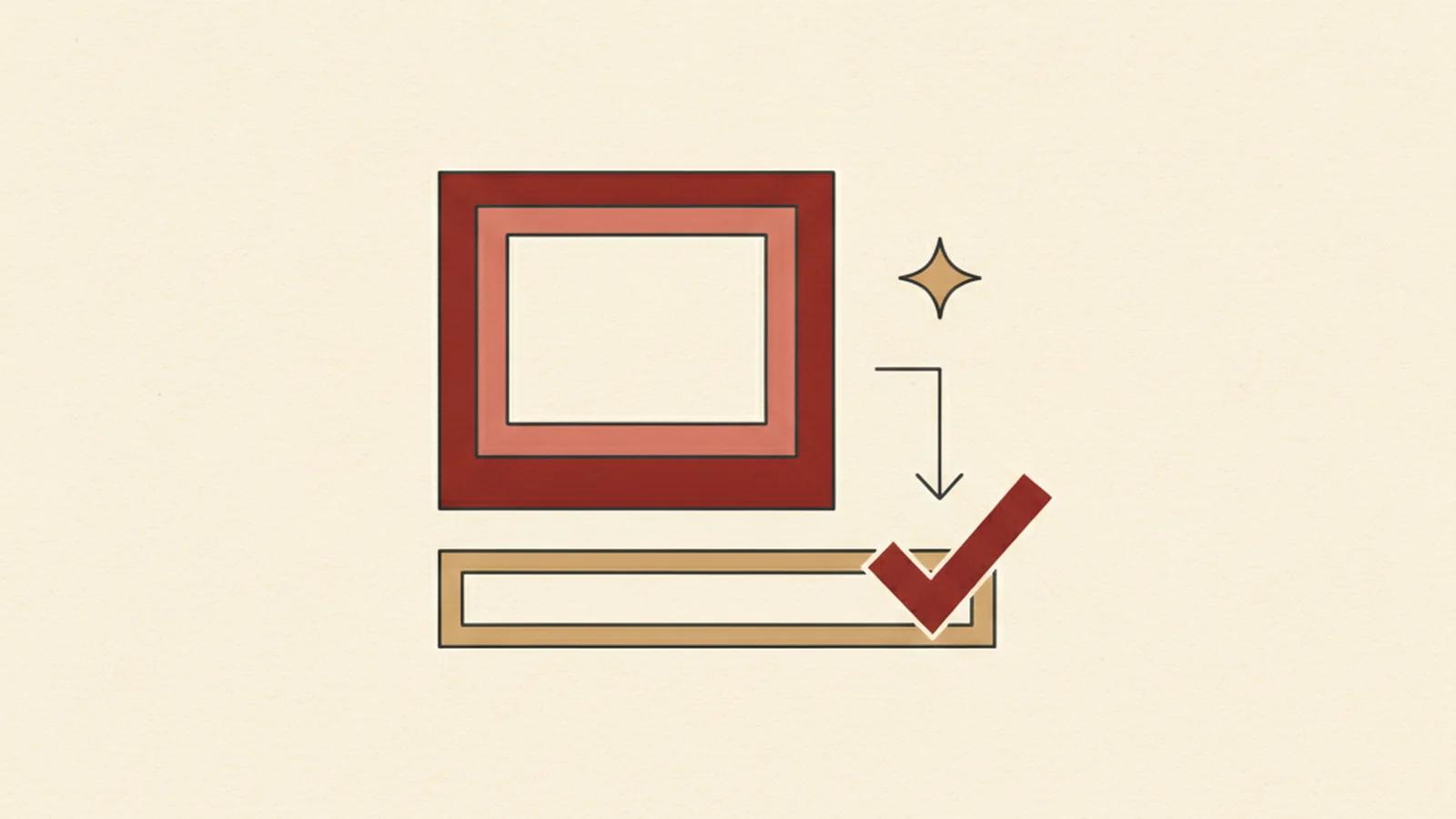
The workflow that actually holds up looks like the diagram above: AI drafts a first-pass description, a human reviews it for what matters in context, then it gets published. The shortcut, going straight from AI draft to live page, is the version that shows up in the research as measurably worse for the people alt text exists to serve.
What to Actually Check During Human Review
A review pass does not need to be a rewrite of every description from scratch. It needs to catch the specific ways AI drafts go wrong. Use this as a working checklist:
- Does the description name the detail a user would need to complete the task on this page, not just what is visually present?
- If this same image appears elsewhere on the site, does this description fit this specific context and purpose?
- Is any critical information (a warning, a size, a state, a data value) buried or missing entirely?
- Is the description free of redundant phrases like "image of" or "picture of," which add length without adding meaning?
- For purely decorative images, has the AI draft been overridden with an empty
alt=""instead of a needless description? - Is the alt text free of keyword stuffing added for SEO purposes that has nothing to do with what the image actually shows?
That last point is a related but genuinely separate failure mode. If your AI-drafted text is technically accurate but was then padded with extra keywords for search visibility, that is not a review problem, it is a different mistake entirely, and we've covered why it backfires for both accessibility and SEO in read why keyword-stuffed alt text fails both SEO and accessibility. This article is about the drafting and review workflow; that one is about what happens when marketing goals get layered onto alt text after the fact. Worth reading both, because teams that fix one often still have the other.
AI Draft vs. Reviewed Alt Text
| Image type | Common AI-only draft | What review adds |
|---|---|---|
| Product photo | Describes styling and setting generically | Adds the specific distinguishing detail a buyer needs |
| UI screenshot | "A screenshot of a website" | Names the specific button, field, or state referenced in the surrounding text |
| Chart or graph | Describes colors and shape | States the actual data relationship the chart communicates |
| Decorative image | Full descriptive caption | Overridden to empty alt="" so screen readers skip it |
Building This Into Your Process
None of this requires slowing down to the pace of writing every description by hand from zero. It requires adding one deliberate checkpoint between "AI drafted something" and "this is live on the page," and holding that checkpoint to the standard of "would this actually help someone complete what they came here to do."
If you want a fast way to spot-check where AI drafts might be missing context or falling back to empty descriptions across your existing pages, check your images with our free tools after your review pass. Running a check after the human review, rather than instead of it, is the point, it catches what a first pass alone will not. If you would rather have a second set of eyes on the workflow itself, the team at experts@wcag.world is happy to look at how your AI drafting and review process is set up.