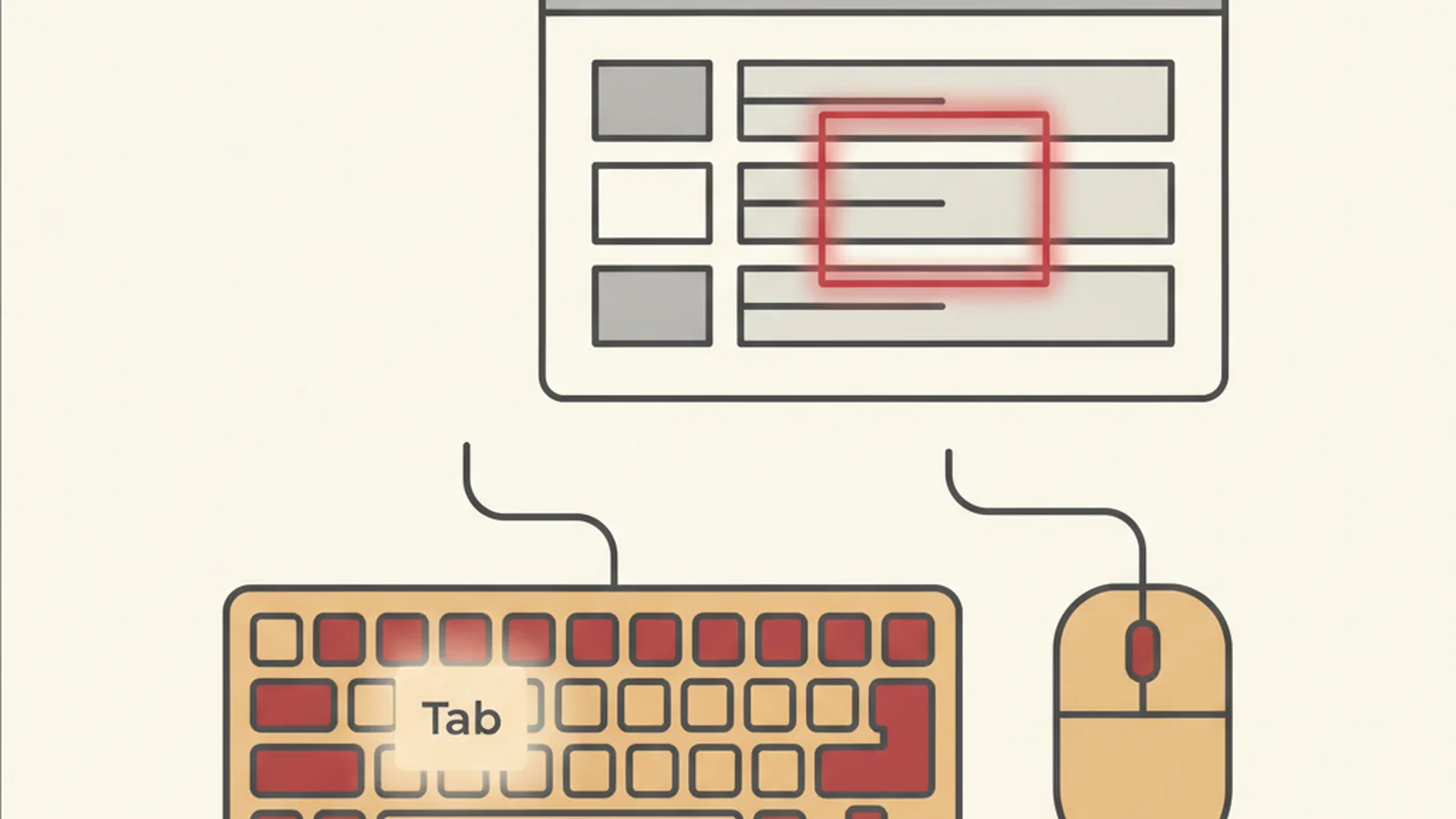
Unplug your mouse. Actually do it, right now, before you keep reading. Set a 5-minute timer and try to get from your homepage to your checkout or contact form using only Tab, Shift+Tab, and Enter.
Most people who try this for the first time expect it to be a minor inconvenience, like driving with one hand. It is usually much worse than that. Within the first thirty seconds, a lot of teams discover that their own "Add to Cart" button is invisible to a keyboard user, or that the cursor simply vanishes into a navigation menu and never comes back out.
What you find in those five minutes is usually a very honest preview of your full audit report. It costs nothing, requires no software, and takes less time than your morning coffee break.
The Stat: Under WCAG SC 2.1.1 Keyboard (Level A), all functionality must be operable through a keyboard interface, without requiring specific timing for individual keystrokes. (Source: W3C)
Why this test works when nothing else is available
Automated scanners are great at catching missing alt text and low contrast ratios. They are notoriously bad at catching the failures that actually stop a real keyboard user cold: focus that disappears, menus that trap you, forms you can never reach. Those are behavioral problems, and behavior is something only a human tester (or a real assistive technology user) can catch.
That is exactly what makes the five-minute test so useful. It is not a replacement for a full audit. It is a smoke test. If your site fails in the first sixty seconds, you already know roughly where the deeper problems live before a single formal report is written.
Step 1: Unplug the mouse (seriously)
This sounds silly, but leaving the mouse plugged in is the single biggest reason people "cheat" during a self-test. The moment Tab gets you stuck, the temptation is to reach over and click. Unplugging it, or just setting it across the room, forces honesty.
Step 2: Tab from the very top of the page
Click once in the browser's address bar to put focus at the top of the document, then start pressing Tab. Count how many presses it takes to reach anything useful. If you are mashing Tab fifteen or twenty times just to get past the header and navigation before reaching real content, that is worth noting, even if it is not technically a failure on its own.
Step 3: Watch the focus outline the entire time
This is the step most people forget to actually watch. As you tab through links, buttons, and form fields, keep your eyes on the screen and ask a simple question: can I always tell exactly where I am?
Under WCAG SC 2.4.7 Focus Visible (Level AA), any keyboard-operable interface must have a mode of operation where the keyboard focus indicator is visible. In plain terms, there should always be a visible outline, box, or highlight around whatever element is currently focused. If focus quietly jumps from one element to the next with no visual change, or if a design system has stripped the default outline with outline: none and never replaced it, that is one of the most common and most serious failures a five-minute test can surface. Read the full WCAG 2.1.1 Keyboard requirement for the baseline this all builds on.
Step 4: Try to actually complete your main form or checkout
This is where the real payoff of the test shows up. Tab your way into your contact form, your signup flow, or your checkout, and try to complete it start to finish using only the keyboard. Can you select a shipping option? Can you check a required checkbox? Can you open and choose from a dropdown? Can you actually submit?
We recently walked through what this looks like at full production scale in our writeup on how a full checkout tested this way turned out for one e-commerce rebuild, and the pattern held up: the further into the funnel a keyboard user goes, the more custom, JavaScript-heavy components they hit, and the more likely one of those components was never wired up for keyboard operation at all.
Step 5: Try Escape on any popup, modal, or menu
If a newsletter popup, cookie banner, or dropdown menu opens during your test, try pressing Escape, and try tabbing away from it. This step catches one of the most frustrating failures in accessibility: the keyboard trap.
Under WCAG SC 2.1.2 No Keyboard Trap (Level A), once focus moves into a component, it must always be movable away again using only the keyboard. A modal that opens and never lets you Tab back out, or a menu that only closes via a mouse click on an "X," is a textbook trap. For the full detail, see WCAG 2.1.2 No Keyboard Trap.
What your results actually mean
| What you noticed | Likely issue | Related criterion |
|---|---|---|
| Focus never visibly moves | Missing or removed focus outline | WCAG 2.4.7 Focus Visible |
| Tab skips a clickable element entirely | Non-interactive element used for a button | WCAG 2.1.1 Keyboard |
| You get stuck inside a menu or modal | Keyboard trap | WCAG 2.1.2 No Keyboard Trap |
| You can see the button but Enter does nothing | Missing keyboard event handler | WCAG 2.1.1 Keyboard |
| You can't complete checkout at all | Combination of the above, compounding | All three |
Your 5-minute test checklist
- Mouse unplugged or set aside, timer running
- Tabbed from the top of the homepage through the main navigation
- Watched for a visible focus outline on every single element
- Reached and interacted with the primary call-to-action button
- Attempted to complete the main form or checkout start to finish
- Tested Escape and Tab-away on any popup, modal, or dropdown menu
- Written down every point where you got stuck or confused
If you checked every box and made it through cleanly, congratulations, that is a genuinely good sign. If you got stuck even once, you have found something real, and it is worth writing down exactly where it happened while it is fresh.
Five minutes is a smoke test, not a finish line
The honest truth is that a five-minute self-test will catch the loudest, most obvious problems, but it will not catch everything. Screen reader announcements, ARIA labeling, color contrast edge cases, and dozens of other WCAG success criteria simply are not visible from a sighted keyboard-only pass. That is normal. It is not a failure of the test, it is just the limit of what one person, alone, in five minutes, can see.
If your five minutes turned up even one stuck point, it is worth finding out how deep that problem goes and what else is hiding near it. You can turn what you found into a full, prioritized audit by getting a free audit that goes deeper than 5 minutes, and get a clear, ranked list of exactly what to fix first.