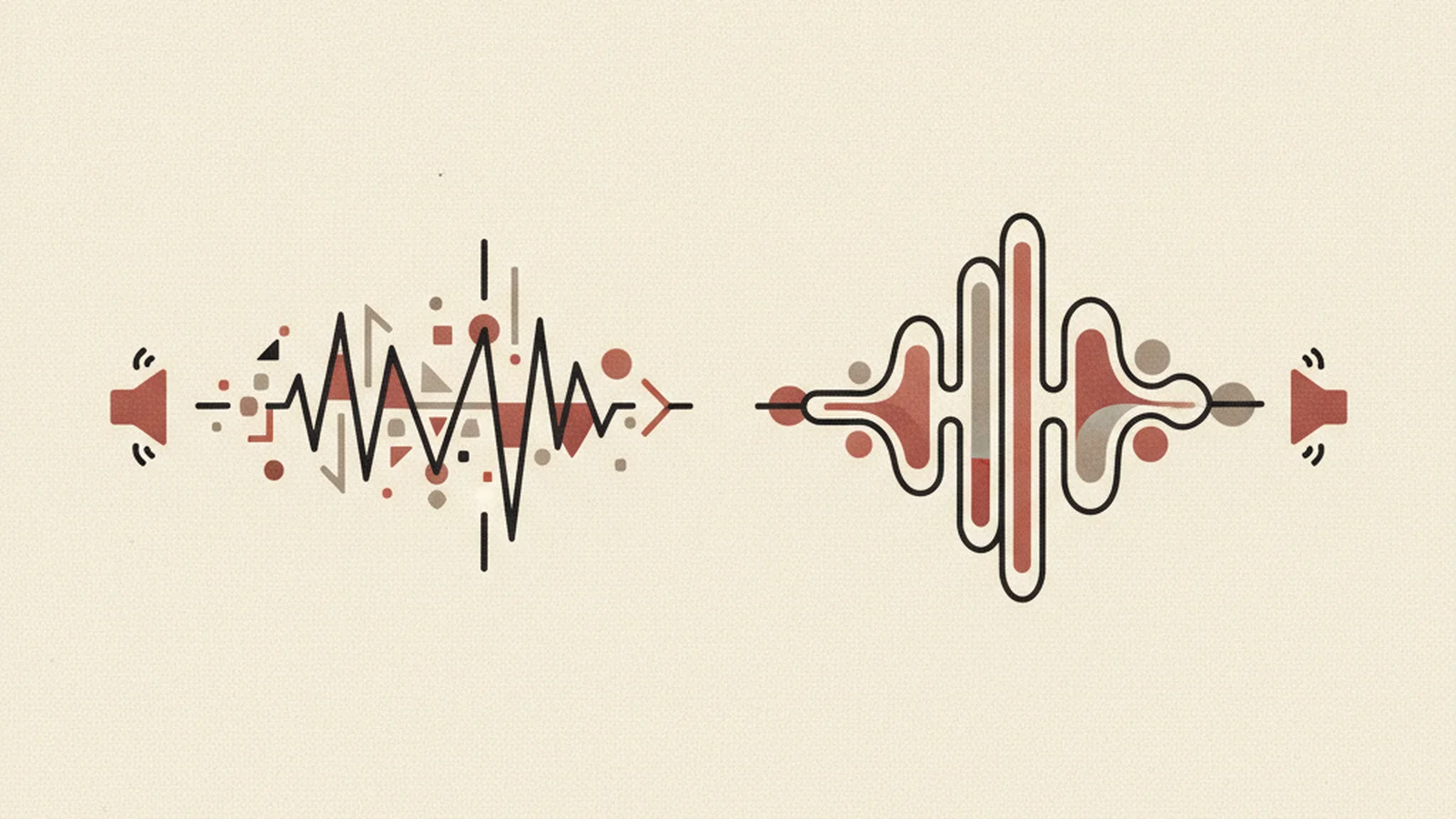
Ten Seconds to Close the Tab
She's low vision. She lands on a product page, finds the little speaker icon that says "Read this page aloud," and taps it, hoping for a break from squinting at the screen.
What she gets instead is a flat, monotone voice that mispronounces the company's own name, pauses in the wrong places, and — without missing a beat — reads out loud: "image, i-m-g, dash, zero, four, eight, two, one, dot, jay, peg."
Ten seconds later, the tab is closed.
That moment happens constantly, and it's almost never a case of a company not caring about accessibility. It's a case of shipping a "read aloud" feature that was never actually designed — just wired up to whatever voice the browser happens to ship with, pointed at whatever markup happens to be on the page. The intention was good. The execution wasn't.
This article is about the gap between those two things, and how to close it.
First, a Clarification: WCAG Doesn't Say "Add a Read-Aloud Button"
Let's be straight about this, because a lot of accessibility content online overstates what the law and the standard actually require.
There is no WCAG success criterion that says "websites must have a read-aloud feature." Search all you want — it isn't in there. What the Web Content Accessibility Guidelines actually require is that content be perceivable and compatible with assistive technology, which is a broader and more foundational requirement than any single UI widget:
- 1.1.1 Non-Text Content (Level A) requires real, meaningful alt text on images — not a filename, not a blank attribute, not "image123." This is exactly the rule that a correctly built page would have satisfied before our low-vision visitor ever heard "img-04821.jpg" read out loud.
- 1.3.1 Info and Relationships (Level A) requires that headings, lists, and landmarks be programmatically exposed — encoded in the actual HTML structure — not just implied visually. This is what lets any voice technology, whether a screen reader or a read-aloud widget, correctly announce "heading level two, Pricing" instead of just running paragraph text together with no shape.
- 4.1.2 Name, Role, Value (Level A) requires interactive elements — buttons, links, form controls — to expose a correct accessible name. Without it, a TTS engine reads "button" with no label attached, which is about as useful as silence.
So why does a read-aloud widget matter if WCAG doesn't literally mandate it? Because it's a genuinely useful, complementary feature for a specific audience — and building it well requires you to get the exact same underlying markup right that WCAG does require. A read-aloud button is a UX layer on top of a foundation. Get the foundation wrong, and the layer on top inherits every flaw.
Who Actually Uses "Read Aloud," and Why It's Not the Same as a Screen Reader
Here's a distinction that trips up a lot of teams: screen reader users — people using NVDA, JAWS, or VoiceOver — already get spoken output. That voice comes from their own operating system or assistive technology, not from your website. If you build a website "read aloud" feature thinking it's for screen reader users, you've misunderstood the audience, and you may even create conflicts where two speech engines talk over each other.
A site-level read-aloud feature is aimed at a different, often overlooked group:
- People with dyslexia or low literacy who process spoken language more easily than dense text.
- People with low vision — like our visitor in the opening scene — who prefer listening to straining to read small or high-contrast-fatigued text.
- People with cognitive fatigue or attention-related conditions, for whom listening reduces effortful processing.
- Situational users: someone driving, cooking, multitasking, or simply experiencing screen fatigue after a long day of scrolling.
That's a wide, real audience — and it's exactly why the feature is worth building well, even though it's a UX addition rather than a WCAG mandate.
Why the Browser's Built-In Voice Keeps Failing Them
Most "read aloud" buttons on the web are wired directly to window.speechSynthesis, the browser's native Web Speech API. It's free, it ships in the browser, and it's tempting to just call it and move on. Here's why that decision quietly sabotages the whole feature:
Voice quality and availability are inconsistent across browsers and operating systems. The voice you tested in Chrome on your MacBook is not the voice a visitor gets in Firefox on Windows, or in a WebView-based mobile browser. Some environments barely have decent voices installed at all.
Pronunciation breaks on exactly the words that matter most to your business — brand names, product names, technical or industry terms. The synthesis engine has no idea how to say your company's name correctly, so it guesses, and it guesses wrong every single time, for every single visitor.
There is no reliable emotional prosody. Native browser synthesis reads a warning message and a welcome message in the same flat cadence. For content meant to build trust or convey urgency, that flatness works against you.
It can't be pre-rendered or cached. Every playback is generated live, in real time, in the visitor's browser. On a slow connection or an underpowered device, that means lag, stutter, or the audio cutting out mid-sentence — turning an accessibility feature into a new source of frustration.
Many mobile browsers throttle or restrict it outright, so the feature that worked fine in your desktop demo silently degrades or disappears for a meaningful share of your mobile traffic.
None of this is a browser bug. It's simply what you get from a general-purpose system voice that was never designed to represent a specific brand speaking to a specific audience.
What Natural, Pre-Rendered Voice (ElevenLabs) Actually Fixes
Neural text-to-speech providers like ElevenLabs solve a different problem than the browser API does, which is why swapping to one is a categorically different decision, not just a nicer-sounding upgrade:
- Natural-sounding speech with real, consistent voice options — for example, a male and a female voice — so visitors can pick what's easiest for them to listen to.
- Pre-generation and caching. Instead of synthesizing speech live in the browser, the audio is generated once and served as a cached audio file. That means instant, consistent playback across every browser and every OS, with no live-generation lag.
- SSML-style pronunciation and pacing control. A brand name or acronym gets taught to the engine once — correctly — instead of being mispronounced fresh for every single visitor, forever.
That said, be honest with yourself about the limits here too: a beautiful natural voice reading badly structured content is still a broken experience. If the underlying HTML has no real alt text, no semantic headings, and no accessible names on buttons, ElevenLabs will just narrate the same errors in a nicer tone of voice. Natural voice is necessary. It is not sufficient. The fundamentals — 1.1.1, 1.3.1, 4.1.2, and the rest of WCAG 2.1 — have to be right first, and the voice layer sits on top of them.
Building a Read-Aloud Feature That Actually Works: The Checklist
If you're going to add this to your site, do it in the right order:
- Audit and fix alt text first (1.1.1). Every meaningful image needs real, descriptive alt text; decorative images need empty alt attributes so they're skipped, not narrated as filenames.
- Fix heading structure and landmarks (1.3.1) so any voice tool can announce sections, lists, and navigation correctly — not just read a wall of undifferentiated text.
- Add correct accessible names to every interactive element (4.1.2) so buttons and links are never announced as unlabeled controls.
- Choose a neural TTS provider (like ElevenLabs) instead of relying on
window.speechSynthesisfor anything customer-facing. - Pre-generate and cache audio for key pages rather than synthesizing live on every page load.
- Teach the engine your brand name and key terms once, using pronunciation controls, instead of letting it guess every time.
- Offer at least two voice options (for example, male and female) so listeners can choose what's comfortable.
- Test the whole thing with real assistive technology users, not just internally — the failure modes that matter are the ones your own team won't notice.
How We Do This
Getting every one of those steps right, in the right order, without missing something that looks fine visually but breaks for assistive technology, is genuinely hard to do consistently. It's the kind of work that looks simple from the outside and turns out to have a dozen small failure points once you actually dig in — which is exactly why we do this for clients as our core work, every day.
We didn't just write about this. We built it: WCAG.World's own site runs a male/female ElevenLabs-powered read-aloud experience, paired with the correct semantic markup underneath it, as a working example of doing both halves right at once.
If you want to hear what a "read aloud" feature sounds like when it's built on real WCAG 2.1 foundations instead of a browser's default robot voice, go listen to it yourself.