The Two-Minute Video That Lost the Deal
A SaaS company spends real money on its best marketing asset: a two-minute product demo, professionally shot, tightly edited, sitting front and center on the homepage. It's the thing the sales team links in every cold email.
A deaf prospect clicks play. Thirty seconds pass in total silence — no captions, no transcript, nothing. She doesn't know what the product does, what problem it solves, or why she should keep watching. She closes the tab and opens a competitor's site instead. That competitor's demo has captions built in. She watches the whole thing.
Nobody on the marketing team did anything malicious. They just assumed "video" meant "visual," forgot it's also an audio channel, and never asked what happens when that channel is the only one delivering the message. That single oversight didn't just create a compliance gap — it cost a sale, in real time, to a competitor who got the basics right.
This is the story behind Guideline 1.2 of WCAG, and it's worth understanding in detail, because "just add captions" badly undersells what the guideline actually asks for.
Why Guideline 1.2 Has So Many Rules
WCAG's Guideline 1.2, Time-based Media, has more individual success criteria than almost any other guideline in the standard. That's not an accident or bureaucratic bloat. It's because video and audio content create several genuinely different accessibility problems at once, and no single fix — captions, a transcript, or anything else — solves all of them.
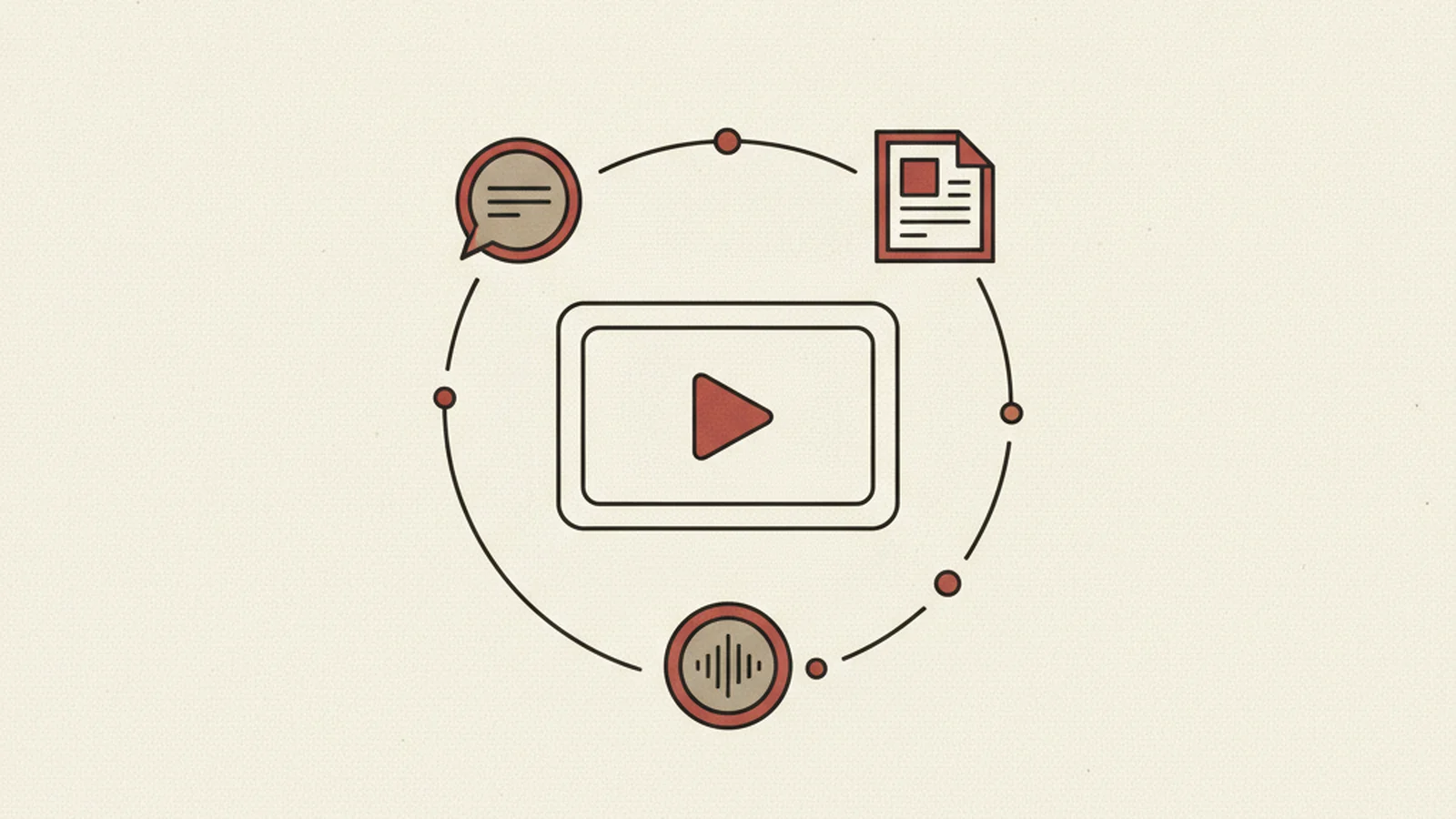
Think about what's actually happening in a video with dialogue, music, and visual action: a deaf viewer needs the audio in text form. A blind viewer needs the visual information described in some other channel. A viewer who can't attend a live event needs captioning in real time, not after the fact. Each of those is a distinct need, and WCAG treats each one as its own testable success criterion rather than lumping them into one vague "make video accessible" requirement.
Here's what that breaks down into.
1.2.1 — Audio-Only and Video-Only (Prerecorded), Level A
This is the foundation, and it covers two separate cases:
- Prerecorded audio-only content (a podcast episode embedded on a page, an audio-only investor call recording) needs a transcript.
- Prerecorded video-only content (a silent screen-recording walkthrough, a product animation with no narration) needs either a transcript or an audio track describing what's happening.
Notice this criterion exists before captions even enter the picture. A muted product-tour GIF-style video with no sound at all still has an accessibility obligation, because a blind user gets nothing from watching visual-only motion play out with no narration and no text alternative.
1.2.2 — Captions (Prerecorded), Level A
This is the one most people already know about, but the detail matters. Prerecorded video with audio needs synchronized captions — and "captions" here means more than dialogue transcribed line by line.
Good captions also communicate:
- Meaningful sound effects (a phone ringing that prompts a character's next action, a door slamming that signals tension) when the sound carries information the visuals alone don't
- Speaker identification when it's not otherwise obvious who's talking — a multi-person panel discussion, a voiceover cutting between two interviewees
Skip either of those and captions become a diminished, sometimes confusing version of the actual content — technically present, functionally incomplete.
1.2.3 — Audio Description or Media Alternative (Prerecorded), Level A
Captions solve the audio side. This criterion solves the visual side. If a video conveys important visual information that isn't already covered in the existing dialogue or narration, you need one of two things: an audio description track, or a full text alternative for the whole video.
Picture a training video where a presenter silently demonstrates a three-step process on screen while saying almost nothing. A sighted viewer follows the steps visually. A blind viewer, listening only to sparse dialogue, misses the entire demonstration. That's exactly the gap 1.2.3 exists to close.
1.2.4 — Captions (Live), Level AA
Live video — webinars, livestreams, town halls — needs real-time captioning, not captions added afterward. This is a meaningfully harder operational lift than prerecorded captioning, since it usually requires a live captioning service or human stenographer rather than a batch-processed file, but it's a Level AA requirement, not an optional nicety.
1.2.5 — Audio Description (Prerecorded), Level AA
This is the stronger sibling of 1.2.3. Where 1.2.3 allows a full text alternative as a substitute, 1.2.5 specifically requires an actual audio description track for prerecorded video when visual content isn't already conveyed through the existing dialogue — a text alternative alone doesn't satisfy this higher-level criterion. For any organization targeting AA compliance (the level most legal and procurement standards reference), this is the one to plan production time and budget for, not the one to discover during an audit.
The AAA Tier: Rarely Mandated, Worth Knowing
Above AA sit four more criteria that are almost never legally required but matter for high-reach public content:
- 1.2.6 Sign Language (Prerecorded) — sign language interpretation alongside the video
- 1.2.7 Extended Audio Description (Prerecorded) — pausing playback to fit longer descriptions when there isn't enough natural gap in the dialogue
- 1.2.8 Media Alternative (Prerecorded) — a full text alternative for video even when audio description already exists
- 1.2.9 Audio-only (Live) — accessible alternatives for live audio-only broadcasts
If your organization is a government body, a major broadcaster, or otherwise produces content at genuine public scale, these are worth a look. For most businesses, AA coverage of 1.2.1 through 1.2.5 is the real target.
The Auto-Caption Trap
Here's where a lot of otherwise diligent teams get tripped up. YouTube's automatic captions, and tools like it, feel like they've already solved the problem — the checkbox looks checked. They haven't.
Auto-generated captions are a starting point, not a compliant deliverable on their own. They routinely mis-transcribe proper names, technical or industry-specific terms, and accented speech. A product called "Kestrel" becomes "Castro." A speaker's name gets garbled into three different spellings across one video. None of that is a hypothetical edge case — it's the normal, expected error rate of automatic speech recognition run without review.
Auto-captions should be treated as a rough draft: generate them, then have a human review and correct every line before publishing. Skipping that review step is the single most common way teams end up with captions that technically exist but functionally fail 1.2.2.
The Transcript's Hidden Upside
There's a business reason to take transcripts seriously beyond compliance: search engines can index transcript text in ways they simply cannot index the audio or video file itself. A two-minute demo video with a full transcript posted next to it gives Google actual text to crawl, match to search queries, and rank — turning an accessibility requirement into an SEO asset with zero extra production cost.
A Practical Checklist for Any Public Video
Before a video goes live on a public page, run it against this:
- Accurate closed captions — human-reviewed, not raw auto-generated output
- A full text transcript placed near the video embed, not buried on a separate page
- Audio description (or a text alternative) for any video-only or visually-driven moments not covered by existing dialogue
- Captioned and transcribed recordings for any live event — webinars, livestreams, town halls — once archived for on-demand viewing
If a video fails any one of these, it's not fully covered under Guideline 1.2, regardless of how good the production quality is.
Get This Right Before It Costs You a Customer
The SaaS demo video at the top of this article wasn't a compliance failure that showed up in an audit six months later — it was a lost sale that happened in real time, in front of a real prospect, because of a gap nobody thought to check. That's the actual cost of treating video accessibility as an afterthought: not a legal letter, but a silent bounce to a competitor.
Guideline 1.2 isn't complicated once you see it broken into its actual parts — transcripts for audio-only and video-only content, real captions with sound effects and speaker labels, audio description for visual-only moments, live captioning for real-time events. The complexity isn't in understanding the rules. It's in auditing every video already published on your site against them, one asset at a time, and fixing what's missing without redoing work that's already correct.
That's exactly the kind of criterion-by-criterion review WCAG.World runs for clients — video by video, success criterion by success criterion, with a clear list of what's compliant and what isn't. If you don't know how many of your published videos would pass 1.2.2 through 1.2.5 today, see our audit options and pricing and find out before a prospect finds out for you.