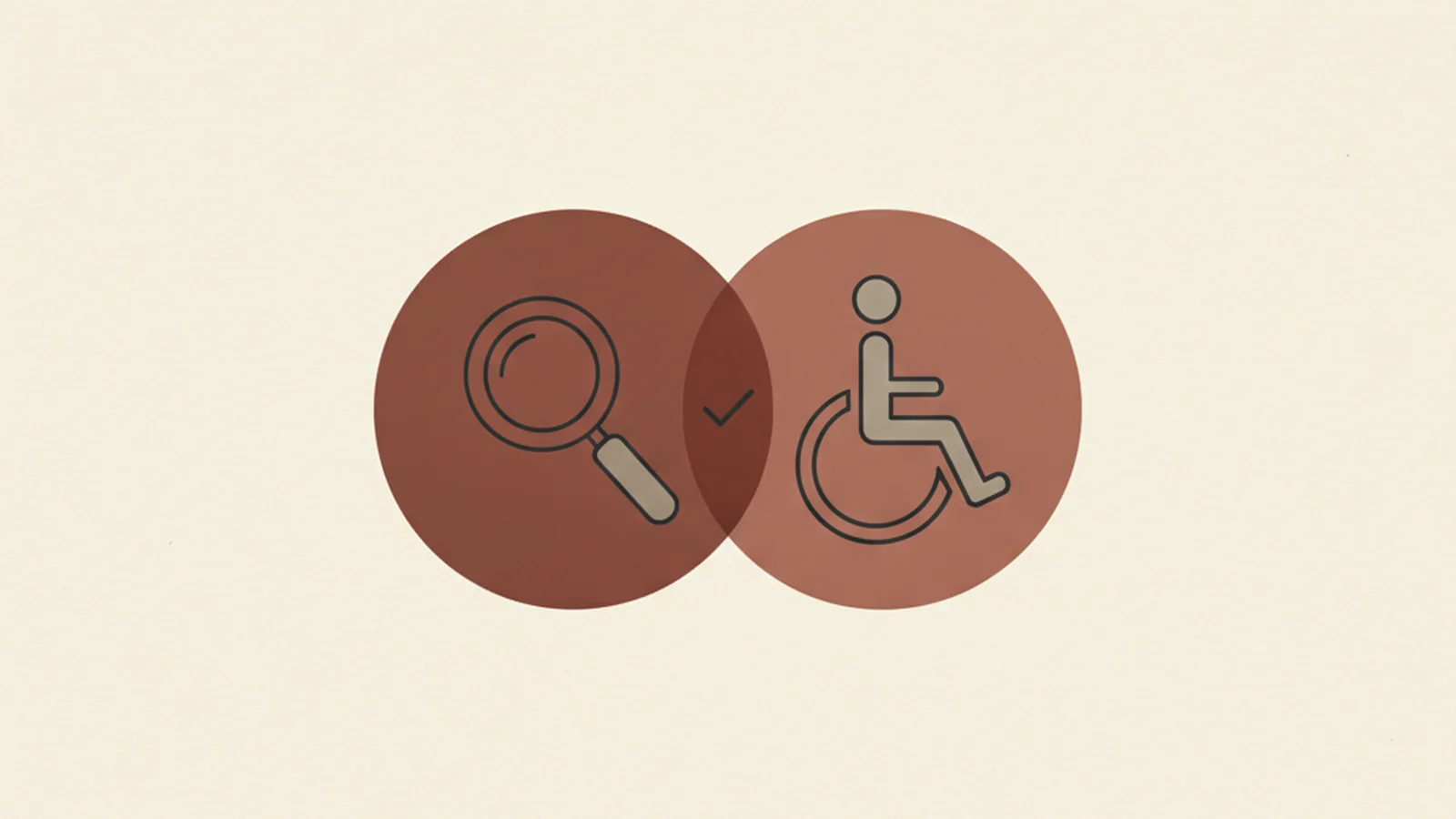
Two Budgets, One Set of Fixes
A content team spends a quarter chasing technical SEO wins — schema markup, internal linking, page speed — while an accessibility audit sits untouched in a shared drive. Nobody on the team has connected the two. Then a new SEO consultant reviews the site and starts listing findings: heading structure is a mess, several product images have no alt text, half the "Learn More" links give search engines (and screen reader users) zero context about where they lead.
The consultant isn't reading the accessibility audit. She doesn't need to. She's arriving at the same list of problems from a completely different direction, because accessibility and SEO are quietly built on the same foundation: content that's structured clearly enough for a non-human reader — whether that's a screen reader or a search crawler — to understand it correctly.
This article isn't a claim that accessibility work is secretly an SEO growth hack. It's a more useful, more honest point: a properly executed WCAG remediation removes friction for search crawlers as a genuine side effect, because both disciplines depend on the same underlying signals.
Why the Overlap Is Real, Not Coincidental
Search engine crawlers and screen readers have more in common than either group usually gets credit for. Neither one can "see" a page the way a sighted human browsing with a mouse does. Both depend entirely on the underlying markup to understand what a page contains and how it's organized. When that markup is clean and semantic, both readers benefit. When it isn't, both readers struggle — a crawler misjudges topical relevance, and a screen reader user loses the map of the page entirely.
That shared dependency is the whole explanation for the overlap. It isn't that Google secretly rewards accessible sites as a policy. It's that the specific technical practices which make a page accessible are, in a large number of cases, the exact same practices that make a page legible to a crawler.
Where the Overlap Actually Shows Up
Heading structure. A logical heading hierarchy — one H1, nested H2s and H3s that actually reflect the content beneath them — is required in spirit by 1.3.1 Info and Relationships (Level A), which requires that structure conveyed visually also be conveyed programmatically. A screen reader user relies on that heading structure to jump directly to the section they need, the same way a table of contents works. A search engine relies on the same structure to understand what the page is actually about and how its sections relate to each other. Get the hierarchy right once, and both audiences benefit from the same fix.
Alt text. 1.1.1 Non-text Content (Level A) exists purely for accessibility — it ensures a screen reader user gets a meaningful description of an image instead of silence or a filename. But search engines also can't "see" an image; they rely on alt text (and surrounding context) to understand what it depicts, which is a direct input into image search visibility. The overlap here has a sharp edge, though: keyword-stuffed alt text ("accessible affordable website design SEO expert alt text") fails both goals simultaneously. It doesn't describe the image for a screen reader user, and it reads as manipulative to a search engine. Good alt text is specific and accurate — which is exactly what both audiences need.
Descriptive link text. 2.4.4 Link Purpose (In Context) (Level A) requires that a link's destination or purpose be understandable from its text, rather than a vague "click here" or "read more" with no surrounding context. This has been standard SEO guidance for nearly as long as SEO has existed as a discipline, because search engines use anchor text as a genuine relevance signal for the page being linked to. A screen reader user who navigates by pulling up a list of all links on a page — a common technique — needs that same specificity to know which link is worth following, since out of context, a page full of "click here" links is functionally useless to them.
Language and page titles. 3.1.1 Language of Page (Level A) requires a page to declare its human language in code, so assistive technology uses the correct pronunciation engine. Page titles serve a parallel role for both audiences: a screen reader announces the page title first thing on load so a user knows where they are, and a clear, descriptive title tag remains one of the oldest and most direct on-page ranking signals in SEO. Neither of these is a new discovery — they're just two disciplines independently converging on the same basic requirement: say clearly, in code, what this page is and what language it's in.
Captions and transcripts. Guideline 1.2 requires captions and, in many cases, transcripts for video and audio content. This exists to make media accessible to deaf and hard-of-hearing users. It also happens to generate something search engines otherwise cannot parse at all: indexable text content derived directly from your video. A transcript is, in effect, free crawlable content that's a byproduct of doing accessibility correctly — not a trick, just a genuine overlap in what each system needs.
Performance and reflow. 1.4.10 Reflow (Level AA) requires content to reflow properly at high zoom and narrow viewports without loss of content or function. This overlaps closely with Google's Core Web Vitals and mobile-friendliness signals — a bloated, non-reflowing layout tends to be both an accessibility failure for low-vision and mobile users and a performance problem that search engines actively measure and rank against.
Where the Overlap Stops
It's worth being precise about the limits here, because overstating this connection undermines the case for both disciplines. Accessibility work is not a ranking-factor hack, and treating it as one is the wrong reason to invest in it. There is no evidence that WCAG conformance itself is a direct Google ranking signal the way, say, HTTPS or Core Web Vitals scores are. The honest framing is narrower and more durable: the underlying technical practices — clear structure, real text alternatives, meaningful link text, functional reflow — are shared inputs to both goals, so doing that work once, correctly, tends to satisfy both agendas at the same time. That's a genuine efficiency, not a growth trick.
A Practical Way to Use This Overlap
If your organization runs separate accessibility and technical SEO audits on separate schedules with separate owners, read the two reports side by side the next time both exist. In practice, findings like heading structure, alt text quality, link text clarity, and page load performance show up in both lists more often than either team expects — because they're the same underlying issue, described by two different lenses. Fixing it once, correctly, against the real WCAG criterion rather than a vague "SEO best practice" guess, tends to close both findings at the same time.
Get It Right the First Time
Treating accessibility and SEO as two unrelated budgets means paying twice for overlapping fixes — once when the SEO consultant flags a heading structure problem, and again months later when an accessibility audit flags the exact same page. A genuine, criterion-by-criterion WCAG audit catches these issues with the precision an SEO checklist alone can't provide, and does it in a way that holds up if a compliance question ever comes up later, not just a ranking one.
If your site's accessibility and SEO work have been running on separate tracks, it's worth finding out how much overlap is sitting unaddressed — talk to us about a combined audit before you pay to fix the same structural issue twice under two different names.