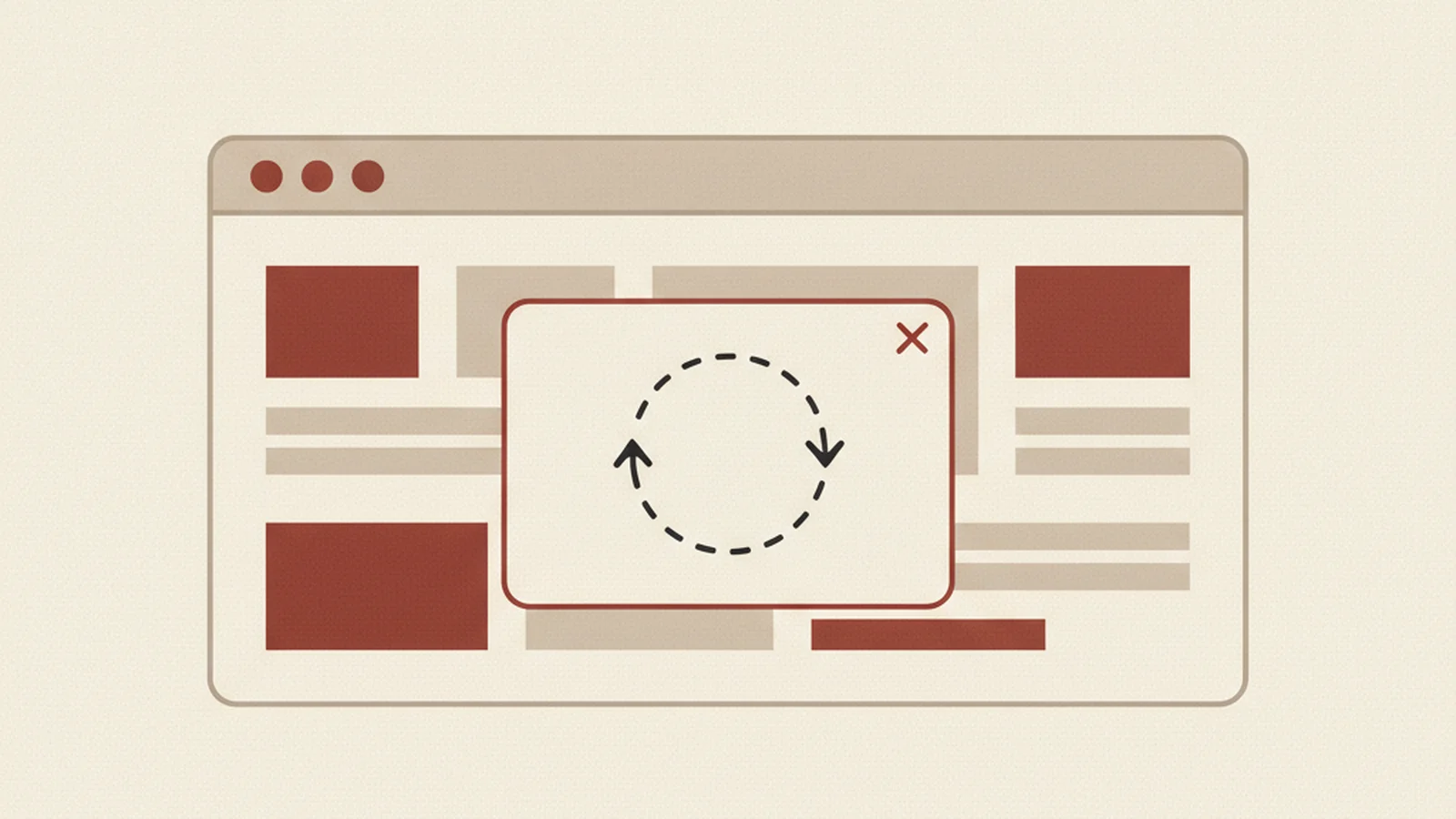
Open any modal on your site right now. A newsletter popup, a "confirm delete" dialog, a login overlay, whatever you've got. Click the trigger, then press Tab a dozen times in a row and just watch where the focus outline goes.
Two things can happen, and both are bugs. Either focus wanders off the modal entirely and starts landing on nav links, footer buttons, and other stuff on the page behind the dialog you supposedly have open. Or focus gets into the modal fine but then never lets you leave — no way to Tab or Escape your way back out, so you're stuck cycling through the same three fields forever even after you've closed it (or think you have).
Here's the thing worth knowing before you go hunting for two separate fixes: these are the same bug wearing different hats. Both come from one missing piece — nobody told the browser where focus is allowed to live while that dialog is open. Fix the focus management once, correctly, and you fix both failure modes at the same time.
The Stat: The W3C WAI-ARIA Authoring Practices Guide publishes a canonical "Dialog (Modal) Pattern" documenting expected keyboard behavior: focus moves into the dialog on open, stays contained (a "focus trap" by design) while open, and returns to the triggering element on close. (Source: W3C WAI-ARIA Authoring Practices Guide)
Why one bug shows up as two different symptoms
A modal dialog isn't a real, separate "page." It's just a <div> sitting on top of your existing DOM, usually with a semi-transparent overlay behind it for visual effect. The browser has no built-in concept of "everything behind this box is temporarily off-limits." Visually, the overlay convinces sighted mouse users that the background is inactive. But Tab order doesn't care about z-index or opacity. Unless you explicitly manage focus with JavaScript, the browser will happily march the Tab key through every focusable element in the underlying document order — including all the links, buttons, and form fields sitting behind your nice dim overlay.
That's failure mode one: focus leak. A screen reader user opens the dialog, gets read the first field, tabs a couple more times, and suddenly they're on "Contact Us" in your footer nav with no idea the modal is even still open on screen. They didn't do anything wrong. The dialog just never told the browser it existed as a boundary.
Failure mode two is the overcorrection: a keyboard trap with no exit. Some teams try to fix focus leak by writing a hasty trap that intercepts Tab and cycles it through the modal's elements — but they forget to release that trap when the dialog closes, or they never wire up Escape, or the close button itself isn't reachable by keyboard at all. Now the user is stuck. They can't get back to the page, can't close the dialog with the keyboard, and for a screen reader user with no mouse, that's a dead end in the truest sense — WCAG 2.1.2 No Keyboard Trap exists specifically because this used to be common enough to name.
Both bugs are "focus isn't managed on purpose." One is too loose, one is too tight. The fix is the same either way: implement the dialog as a documented pattern, not an improvised one.
The documented pattern (don't reinvent this)
You don't need to guess at the "right" way to build this — it's been specified in detail. the ARIA Authoring Practices Guide's Dialog (Modal) Pattern lays out exactly what a compliant modal needs to do:
- When the dialog opens, move focus to the first focusable element inside it (or to the dialog container itself if there's a good reason to, like a confirmation message with no inputs).
- While the dialog is open, Tab and Shift+Tab must cycle only through elements inside the dialog. Reaching the last element and pressing Tab again wraps back to the first — and vice versa for Shift+Tab.
- Escape closes the dialog.
- When the dialog closes, focus returns to whatever element triggered it in the first place, so the user isn't dropped at the top of the page or left in limbo.
- The dialog element itself needs
role="dialog"(oralertdialogfor interruption-style messages),aria-modal="true", and eitheraria-labelledbypointing at a visible heading or anaria-labelnaming the dialog.
That combination is what makes a screen reader announce "dialog, Sign Up" when it opens, and treat the rest of the page as genuinely unreachable until the user is done — matching what the overlay is already telling sighted users visually.
Two ways to actually contain focus (pick one)
Option 1: Let the browser do it with inert. The HTML inert attribute is a real, documented global attribute, supported in current browsers, that marks a chunk of the DOM as non-interactive and hidden from assistive technology. Add inert to your main page wrapper (everything that isn't the modal) the moment the dialog opens, and remove it when the dialog closes. With inert in place, Tab literally cannot reach the background content — no manual keydown listener required, and no risk of a bug in your custom trap logic leaving a gap. See MDN's documentation for the inert attribute for browser support details and usage notes before you rely on it as your only mechanism for older-browser audiences.
Option 2: Write the trap yourself. If you can't use inert yet, listen for keydown on Tab inside the dialog, find the first and last focusable elements in the dialog's DOM subtree, and redirect focus manually when it would otherwise leave that range. This works, but it's easy to get subtly wrong — dynamically added fields, disabled buttons, and hidden elements all need to be excluded from your "focusable elements" list correctly, or you'll create new leak points. If you go this route, cross-check your implementation against WebAIM's guide to ARIA techniques, which covers the accessible-name and role wiring that has to accompany any hand-rolled focus trap for it to actually be announced correctly by a screen reader.
Either approach is fine. What's not fine is having neither — which, in our experience auditing live sites, is the actual default state of most modals that were built quickly and never re-tested with a keyboard alone.
The five-minute audit
Before you touch any code, run this check on your own site's modals:
| Check | How to test | Pass looks like |
|---|---|---|
| Focus moves in on open | Trigger the modal, don't touch the mouse | Focus outline appears on a field/button inside the dialog immediately |
| Tab stays contained | Press Tab repeatedly past the last element | Focus wraps to the first element inside the dialog, never reaches the page behind |
| Shift+Tab stays contained | Press Shift+Tab from the first element | Focus wraps to the last element inside the dialog |
| Escape closes it | Press Escape | Dialog closes, no keyboard trap |
| Focus returns on close | Close the dialog (Escape or close button) | Focus lands back on the element that opened it |
| Announced as a dialog | Open with a screen reader running | You hear "dialog" and the dialog's name, not silence |
If any row fails, you've found your bug, and now you know which of the two failure modes it is and which documented pattern fixes it.
Modal focus bugs are sneaky precisely because they're invisible to anyone testing with a mouse — the overlay looks right, the dialog looks right, and everything ships. It's only when someone tries to actually use the keyboard, which is exactly how most screen reader users navigate, that the trap (or the leak) shows up. If you want a second pair of eyes on this and the dozen other places focus tends to go missing on a typical site, a free scan will find focus-trap bugs on your own site without you having to Tab through every page by hand.